
Email Deliverability in 2026: The SMB Checklist to Avoid Spam (Gmail, Yahoo, Outlook)
If your emails are suddenly landing in spam — or not arriving at all — you’re not alone. Inbox providers have tightened enforcement for bulk senders, and many legitimate SMBs are being affected simply because required trust signals are missing.
This checklist focuses on what actually matters in 2026 and what small and mid-sized businesses can realistically implement.
1) Inbox providers now enforce trust before content
Deliverability today is less about clever copy and more about technical trust. If authentication fails, your message may never reach the inbox — regardless of how good your content is.
At minimum, senders are now expected to have:
- SPF configured correctly
- DKIM enabled on all sending platforms
- DMARC published and monitored
- A functional unsubscribe mechanism (including one-click)
- Low spam complaint rates
---
2) SPF: allow only the senders you actually use
SPF tells receiving mail servers which systems are authorized to send email for your domain. It fails most often when businesses keep adding tools without cleaning up old records.
- Use only one SPF record
- Include only active sending platforms
- Avoid exceeding DNS lookup limits
A bloated or duplicated SPF record can cause messages to fail authentication entirely.
---
3) DKIM: sign every message, every platform
DKIM verifies that your messages haven’t been altered and that they genuinely come from your domain.
- Enable DKIM for every email platform you use
- Confirm the DKIM signature appears in message headers
- Re-check DKIM after platform migrations or domain changes
---
4) Publish DMARC and start with reporting
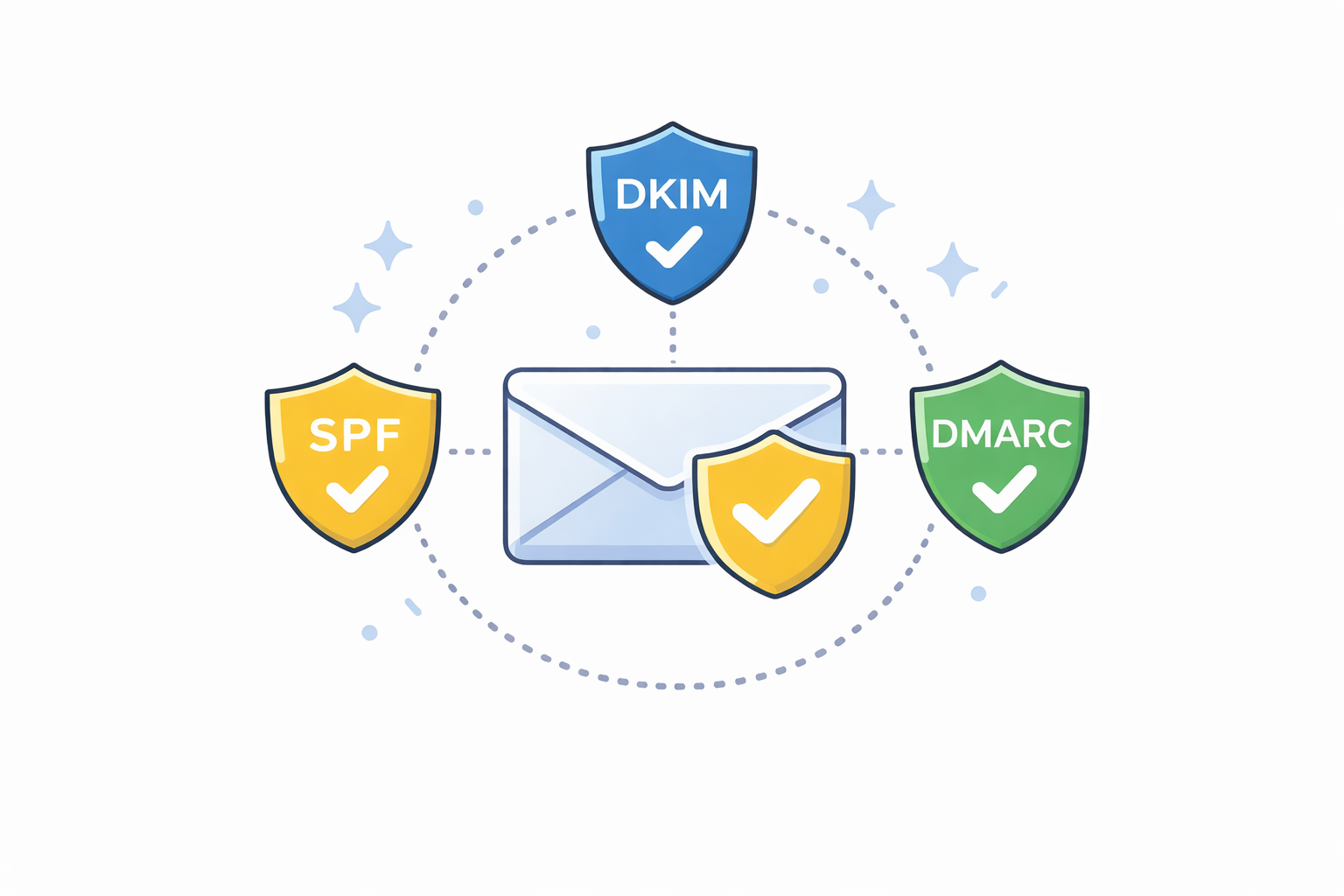
DMARC ties SPF and DKIM together and tells inbox providers how to handle messages that fail authentication.
For most SMBs, the correct starting point is monitoring, not enforcement.
- Publish a DMARC record with policy set to
none - Enable aggregate reporting (rua)
- Review reports for unknown senders or spoofing attempts
- Move to quarantine or reject once aligned
DMARC protects your brand and your customers while improving long-term deliverability.
---
5) One-click unsubscribe is no longer optional
Inbox providers now expect unsubscribe actions to be fast and frictionless, especially for promotional email.
- Enable List-Unsubscribe headers where supported
- Process unsubscribes promptly
- Do not hide unsubscribe links in images or tiny text
Ignoring unsubscribe expectations increases complaints — and complaints damage reputation fast.
---
6) Spam complaints quietly destroy deliverability
You don’t need many complaints to cause damage. Even a small percentage of recipients marking messages as spam can push future mail out of the inbox.
- Remove consistently unengaged contacts
- Do not add contacts without explicit consent
- Avoid sending bulk mail from CRM contact lists by default
---
7) Deliverability is a data hygiene problem
Most deliverability issues trace back to poor data practices:
- Old or purchased lists
- Duplicate records
- Role-based addresses (info@, sales@)
- Bounced addresses still being mailed
- Missing consent tracking between systems
Email platforms and CRMs must agree on who is eligible to receive mail.
---
8) SMB quick-start action plan
- Verify SPF and DKIM pass for your primary domain
- Publish DMARC with monitoring enabled
- Turn on one-click unsubscribe
- Remove unengaged and risky addresses
- Send smaller, targeted segments for 30 days
- Review results and tighten DMARC policy
---
References
- Google Workspace Admin Help – Email sender guidelines
https://support.google.com/a/answer/81126 - Proofpoint – Microsoft email authentication requirements
https://www.proofpoint.com/us/blog/email-and-cloud-threats/microsoft-new-email-authentication-requirements - NIST – Digital Identity Guidelines (SP 800-63 Rev. 4)
https://pages.nist.gov/800-63-4/