
Email deliverability is no longer “set it and forget it.” In 2026, Microsoft has begun enforcing stricter email authentication and sender-reputation standards across Outlook, Hotmail, and Microsoft 365. For small and mid-sized businesses, this is already showing up as missed invoices, unopened quotes, and customer emails landing in junk folders.
If your company sends email from your own domain — even just invoices, appointment reminders, or CRM notifications — this matters now.
What changed with Microsoft email in 2026
Microsoft has aligned more closely with Google and Yahoo on enforcing modern sender standards. The practical impact for SMBs is simple:
- Unauthenticated email is increasingly blocked or throttled.
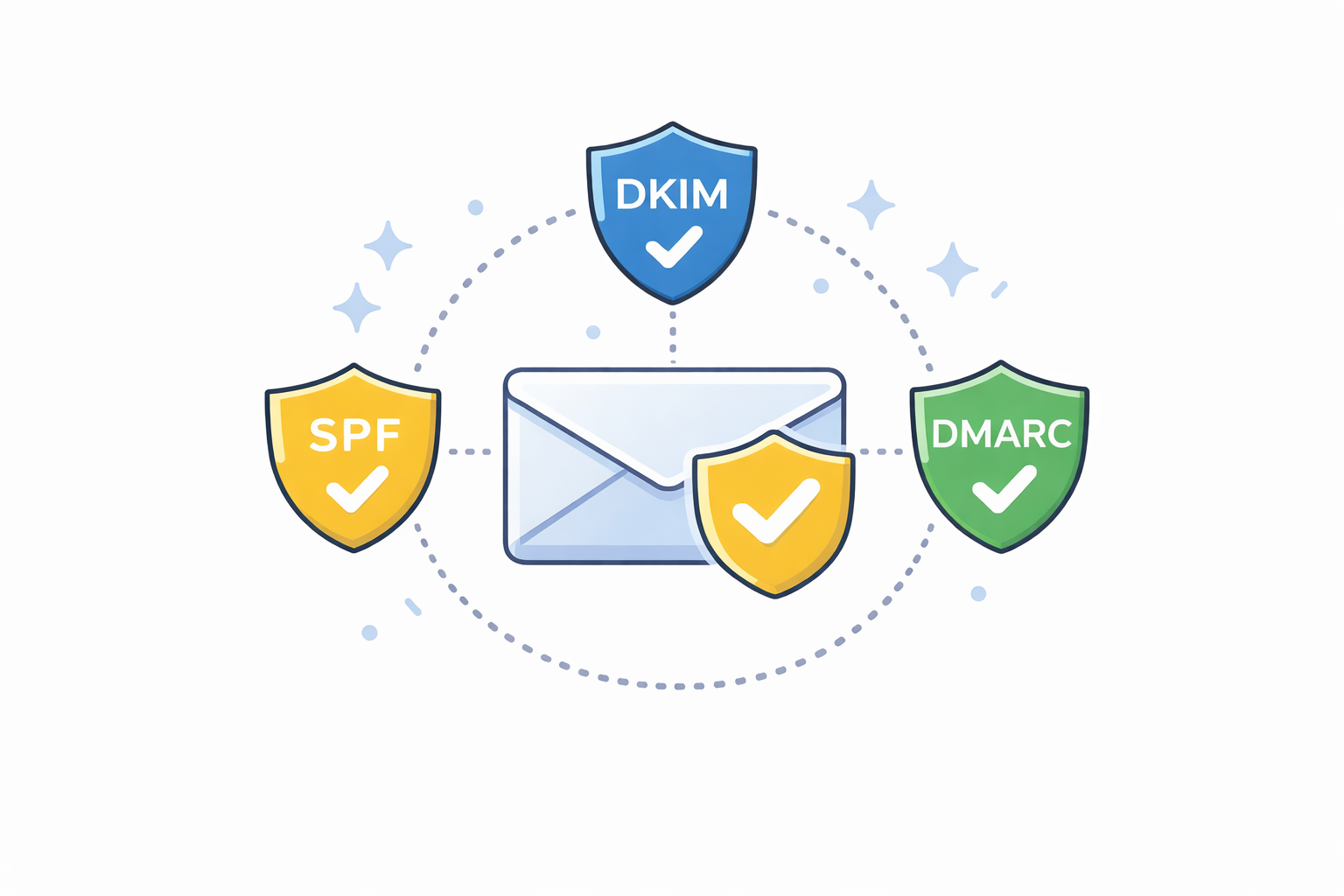
- Domains without alignment between SPF, DKIM, and DMARC are treated as risky.
- Automated system emails are no longer exempt from filtering.
This isn’t theoretical. We’re already seeing legitimate business email fail silently when basic controls are missing.
The three controls every business must have
1. SPF — who is allowed to send for your domain
SPF tells receiving mail servers which systems are authorized to send email on your behalf. If your CRM, accounting system, or website sends mail and isn’t listed, messages may be rejected or marked as spoofed.
2. DKIM — proving the message wasn’t altered
DKIM digitally signs each message so the recipient can verify it came from your domain and wasn’t modified in transit. Without DKIM, modern filters assume higher risk.
3. DMARC — your enforcement policy
DMARC ties everything together and tells receiving systems what to do when SPF or DKIM fails. In 2026, “monitor only” policies are no longer enough for reliable delivery.
Where SMBs are getting burned
- Invoices and quotes sent from accounting systems never arrive.
- Appointment reminders go to junk, increasing no-shows.
- Marketing emails damage the domain’s reputation for all mail.
- IT assumes “the email server is fine” while the problem is authentication.
The biggest risk is that failures are often invisible. You don’t get an error — your customer just never sees the message.
What you should fix now
 Every SMB should treat email authentication as core infrastructure, not an IT afterthought.
- Audit every system that sends email from your domain.
- Verify SPF includes all legitimate senders — and nothing extra.
- Enable DKIM signing on Microsoft 365, Google Workspace, and third-party tools.
- Move DMARC from monitoring to an enforcement policy once alignment is verified.
- Set up reporting so you can see failures before customers feel them.
This is no longer optional
Microsoft’s 2026 enforcement makes one thing clear: email trust is now earned, not assumed. Businesses that modernize their sender setup will see better inbox placement and fewer support issues. Those that don’t will keep chasing “mystery” delivery problems.
If email is part of how you get paid, how you support customers, or how you run operations, this belongs on your 2026 checklist.
References
- Microsoft Learn — Email authentication and sender reputation guidance
- RFC 7208 — Sender Policy Framework (SPF)
- RFC 6376 — DomainKeys Identified Mail (DKIM)
- RFC 7489 — DMARC